


In stock and ships same-day from Raleigh, NC if order is placed before 2:00 p.m. ET.
It's time to revamp your 2016-2019 Lexus RX by adding wireless and wired CarPlay and Android Auto.
The 2016-2019 Lexus RX Hamilton Upgrade Kit for CarPlay and Android Auto installs right behind your factory radio and modernizes your outdated system.
- Integrates wireless and wired CarPlay and Android Auto into your original Lexus RX screen
- The original CD player and the factory XM, FM, and AM radio are unaffected and remain fully functional
- Lexus Remote Touch functionality is preserved in CarPlay/Android Auto
- Any original audio upgrades, like the Mark Levinson Premium Surround Sound Audio package, are retained
- Preserves factory safety features like Lexus Safety System+ (including blind spot monitors, parking assist, etc.)
- Retains factory backup camera and Panoramic View Monitor (if equipped)
With our kit, you can enjoy CarPlay/Android Auto and still be able to access the original Lexus operating system at any moment. Simply long-hold the back button on your steering wheel to switch between the factory Lexus interface and the Hamilton interface.
Hamilton's NC-based engineering team worked diligently to develop this kit to integrate into your vehicle's factory technology so that your original vehicle functionality is not sacrificed.
- There is no impact on factory audio quality
- There is no impact on factory call quality (the kit uses your factory microphone)
Our team designed this kit specifically for DIYers.
Our team worked thoughtfully to design this kit for painless DIY installation. We also have a detailed video installation guide and a dedicated tech support team based in Raleigh, NC to help out our DIY folks. But if preferred, this kit can be installed at most radio shops.
You don't have to sweat this one. This kit is backed by our unmatched 3-year limited warranty, "The Hamilton Guarantee."
- Protected by our top-of-the-line 3-year limited warranty, "The Hamilton Guarantee."
- Visit our Terms of Service Warranty Section for more details
- Talk with our friendly and knowledgeable support staff by calling (919) 858-2890 anytime M-F 9a-6p and Saturdays 10a-3p.
- For even more helpful information on getting started with your upgrade kit, check out the Hamilton Help Center
- Engineered by our top-notch team in Raleigh, NC and built with first-class components only
- Our devices are continuously maintained for future updates by our talented software and firmware engineers
| Components | Details |
|---|---|
| Operating System | HamiltonOS-25 |
| CPU |
ARM Cortex‑A7 CPU with N13 Co‑Processor with DDR3 RAM |
| Audio | DSP multi-channel I/O, I2S, ADC |
| Audio Routing | Uses Factory OEM Head Unit. No changes to audio quality |
| Video Decoder | MPEG‑1/2, MPEG4‑SP, full‑HD H.264 (1080p). Exceeds Lexus OEM Screen |
| Temperature Rating | AEC‑Q100 Grade 3 (-40c to +85c) |
| Heat Sink |
High Dissipation Hamilton Designed |
| Circuit Board (PCB) Technology | Designed in NC. HDI Technology. Precision plated for durability and performance. |
| Apple CarPlay | Wireless and Wired Compatibility |
| Android Auto | Wireless and Wired Compatibility |
| Microphone | Vehicle OEM |
| Important Notes |
CarPlay navigation voice volume plays when streaming music/content from phone. CarPlay nav voice volume cannot mix into factory radio channels (XM, FM, AM, CD). |
| Other Notes | Hamilton Upgrade Kit uses your AUX input for CarPlay/Android Auto audio playback, meaning AUX cannot be used for 3rd party MP3 players or DACs. AUX port may not be used for other audio devices after installing. Factory FM, XM, and AM radio can be used with CarPlay/Android Auto on display but Siri/navigation cannot speak while using factory radio channels. Optional rear entertainment packages can continue to use headphones but the car speakers will not have access to the AUX channel for rear entertainment. |

Frequently Asked Questions
Take a look at the attached image and compare it to your mouse or knob in your center console.

The DIP switches control how the Hamilton UI appears on your original Lexus screen. They come preset from the factory.
For cars with the Mouse (Joystick) interface and a 12.3-inch factory screen, use DIP switches ALL OFF.
For Lexus cars with the Knob interface and an 8-inch factory screen, use DIP switches 1 and 6 ON.
Very rarely, an RX may have an 8-inch factory screen with the Mouse (Joystick), in this case turn DIP 1 ON.
It is very important you checkout this help center article before changing DIP switches. It shows you how to change them at the bottom of the article. First disconnect the main power wire, change the DIP switches, and then reconnect the main power wire to implement a full reset.
Pretty nice, highly recomended, fits my 2019 RX well
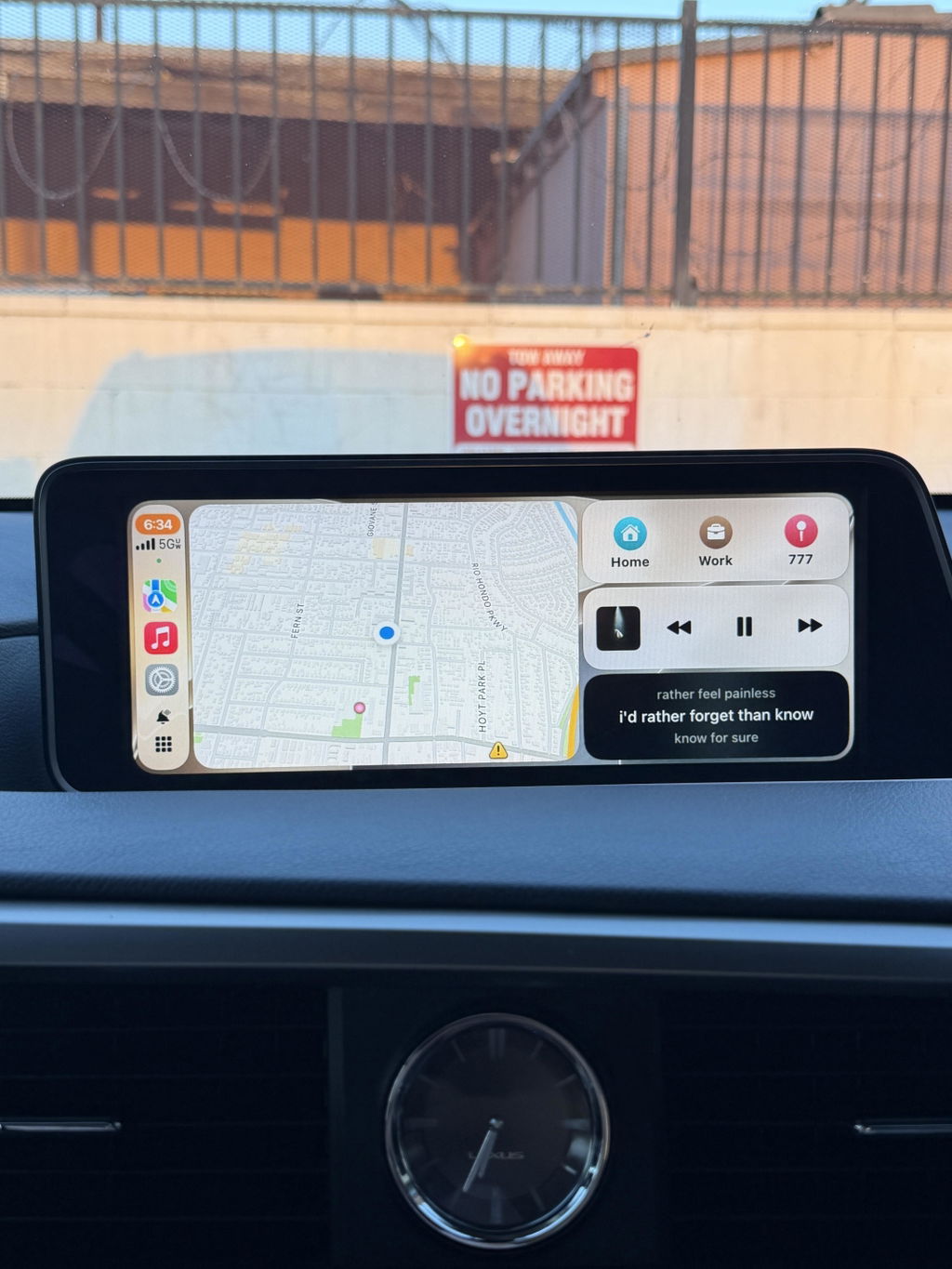
All I can say is that this is first class service Hamilton motor company. I decided to go in and purchase one for my RX 350 and ordered it on Wednesday on Thursday. It was at my front door on Friday. I had it installed with a great company Autobahn Automotive in North Augusta. They installed it within an hour and 35 minutes. They have a Lexus Mastertech. He was absolutely phenomenal. I absolutely love my CarPlay. I feel like a kid on Christmas Day when CarPlay for my Lexus RX 350 was installed. Mad Love
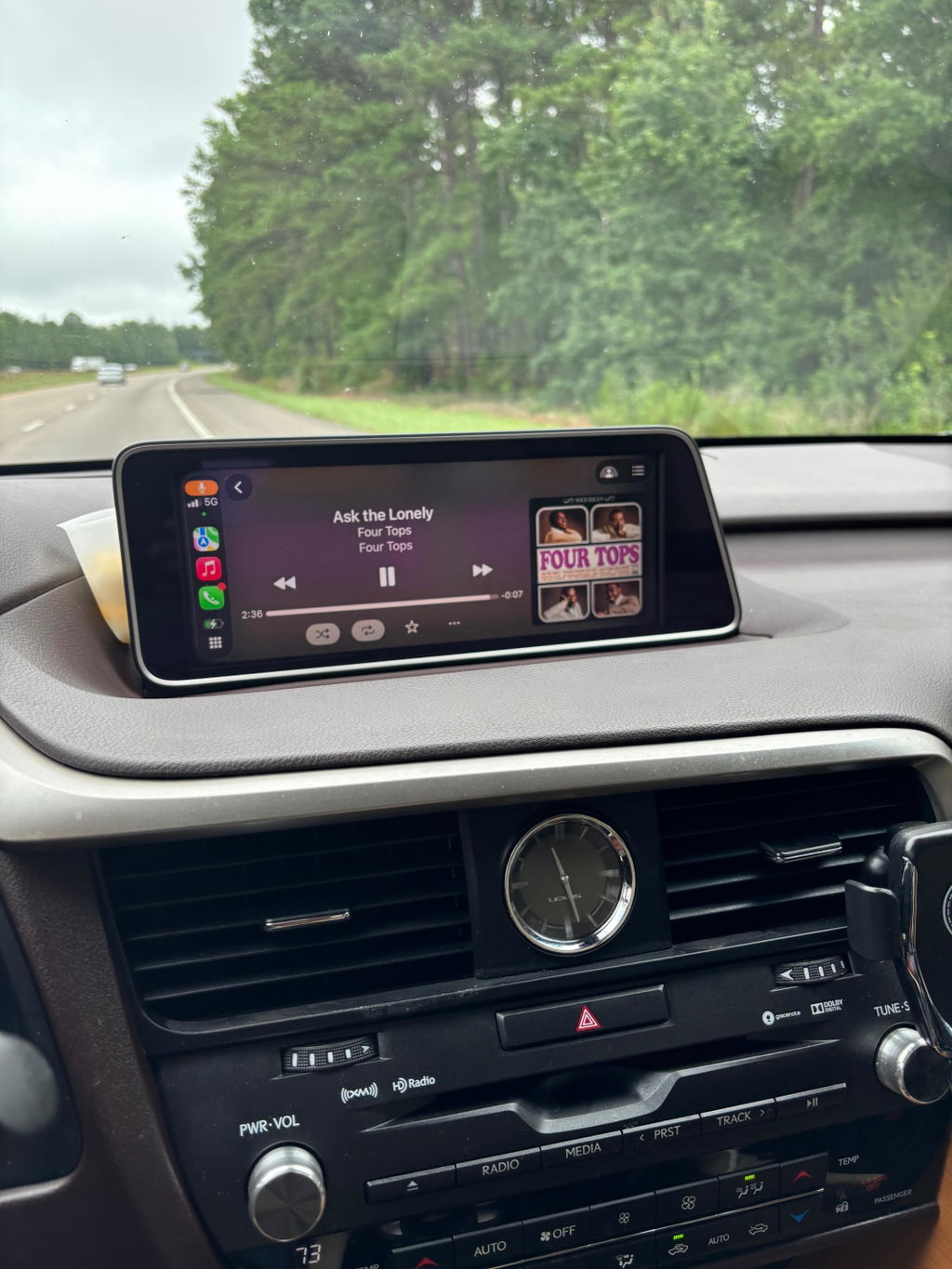
Amazing product !! Great quality and takes may be 5 seconds to boot , actually even before the original system boots , carplay is ready on the screen . Highly recommended. ( 2019 RX350 )
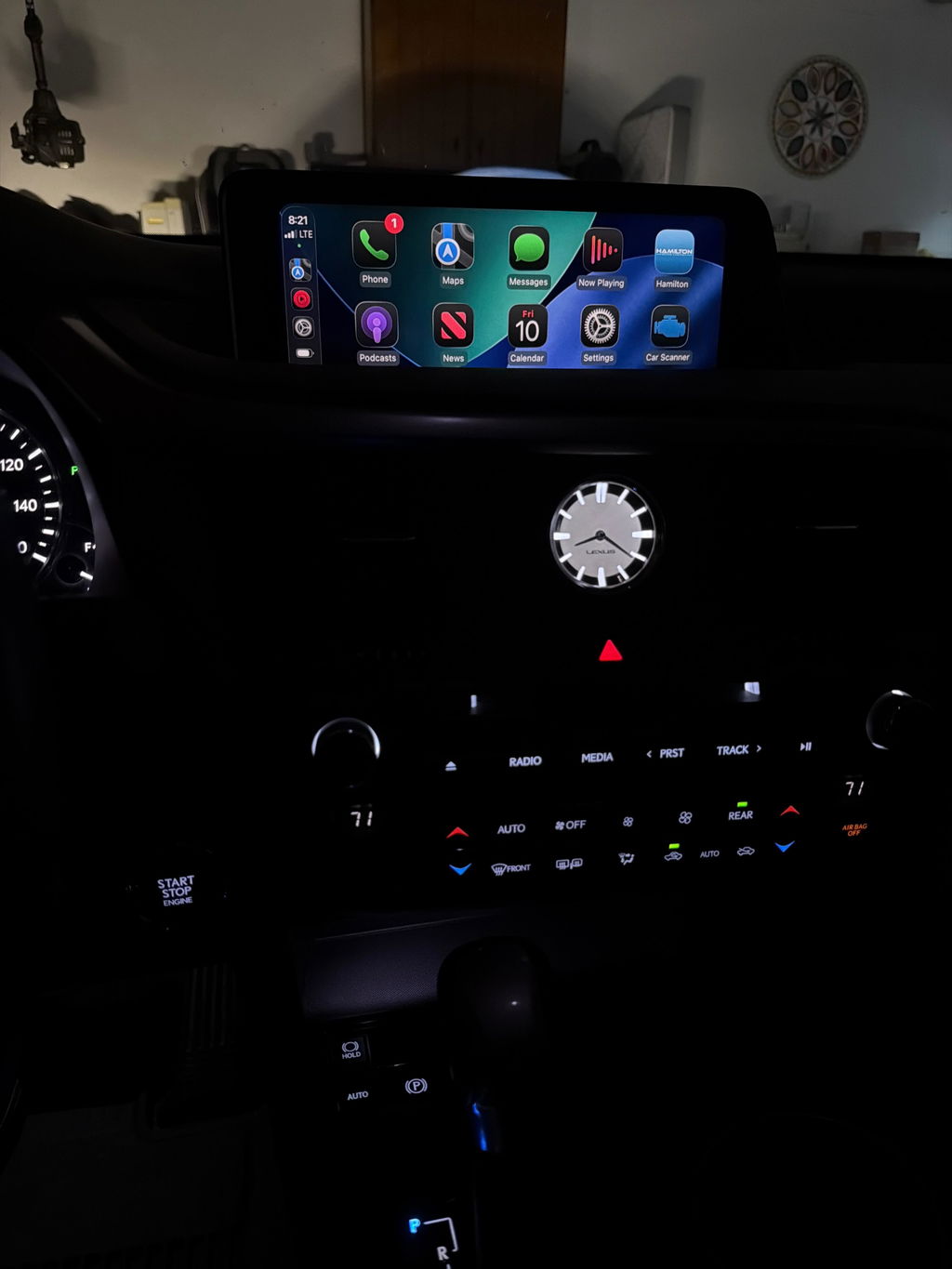
The service, the delivery, and the product are all amazing. I wish I would’ve done this two years ago. If I could change anything, it would be to feel feedback when moving between apps on Apple CarPlay using the mouse . It is very easy to use.
I am a semi novice when it comes to car radio installations. I’ve done a few in the last four or five decades, but I wouldn’t consider myself to be any sort of expert. Anyway, with the help of the installation videos, I was able to install the CarPlay upgrade in my 2018 Lexus in two hours. I only wish that the video would show a little more close-up on the back of the radio showing exactly what you were plugging in and unplugging. Otherwise, it was really great. Still trying to figure out a few of the buttons and how they change with the Hamilton but overall I am very happy!
This unit worked great. The installation video explained everything in detail for simple easy upgrade.
Don’t usually leave reviews but felt I absolutely had to on this company and product. I had some initial questions about shipping duties tariffs as I am in Canada, emailed and almost I immediately had a response that was very informative answering all my questions. Ordered the upgrade kit for my vehicle was sent tracking which indicated likely one week to have my product which from the location it was coming from seemed very reasonable. I was totally shocked when 2 days after ordering I had the kit in my hands. I had watched the install video a couple of times and felt comfortable that I could handle the install. Followed step by step no surprises and just over an hour later kit was installed and operational. Can’t give enough stars for this company everything was exactly as described would certainly refer to family & friends. Thanks guys wish you nothing but success, keep up the good work.
It was a nice upgrade fairly easy to install. This is my 2nd Hamilton upgrade/conversion kit
Installation is detailed. Very happy.
Installation video and quality of equipment was top notch
Bought this in August 2026 for my daughter’s 2019 RX350. Kinda had my doubts but it works great. Easy install thanks to the installation videos.
Thanks Hamilton!
Unit Works great, instructional videos tell you everything you need to know for relatively quick and easy installation.
I love my Hamilton Upgrade kit.
Easy to install,our Grandson did it
Hamilton was very helpful in Question we had.
Great kit !! Smooth operation and quick start times.
Easy to install overall- and I love it!
Easy installation ,very good quality,straightforward,and worth the price.
Highly recommend.