


In-stock items ship same-day from our Raleigh, NC facility if order is placed before 2:00 p.m. ET.
A game-changing upgrade for the 2015-2017 Subaru Outback. Wireless CarPlay and Android Auto, plus a whole lot more.
- Premium-touchscreen replacement for your outdated original Subaru infotainment screen.
- The Hamilton Conversion Kit fully supports all original radio and trim versions for the 2015-2017 Subaru Outback.
- Completely supports original Harman Kardon® premium amplifier and upgrade audio package, if equipped.
- Meets and exceeds all original audio specifications for quality sound output.
- Supports your original backup camera and steering wheel controls.
- No impact or changes to optional EyeSight® technology.
Fully Plug-N-Play. No splicing required. Designed for DIYers in mind.
- Fully plug-n-play means the Hamilton harness connects directly into your original harness. There is no cutting, nor splicing, nor surprises involved.
- We have a full installation video on the YouTube channel.
Retains your original microphone, steering wheel controls, and backup camera.
- Hamilton's talented engineering team designed this device to support your original microphone with call quality in mind.
- As well, this device works with your original steering wheel controls and backup camera.
Powerful Hamilton OS when not using CarPlay or Android Auto
- For folks who intend only to use CarPlay/Android Auto, you will never interact with the Hamilton OS. However, it is a powerful underlying operating system that allows you to load apps directly onto the device, outside of CarPlay or Android Auto.
- With the Hamilton OS, you can access features that may not be available in CarPlay or Android Auto.
- The device has 4G SIM support for T-Mobile and other USA SIM carriers (See product Specs for more discussion on SIM cards).
- On the Hamilton OS CarPlay/Android Auto, you will have FM (non-HD) and AM radios. This device does not support satellite XM radio. You can use the Sirius XM app in CarPlay/Android Auto. It also does not support playback via DACs/MP3 devices, although the harness does contain AUX L and R inputs for custom setups.
- Supports 5-channel audio amps or optical cable input amplifiers (more details coming soon on Help Center for aftermarket audio options).
Premium Warranty: "The Hamilton Guarantee." Tech support in NC
- Caring tech support is only a call away at (919) 858-2890 Monday to Friday 9am-6pm and Saturdays 10am-3pm. Also, you can submit a ticket on our Help Center.
- We back our devices with a 3-year limited warranty, called "The Hamilton Guarantee." Full warranty details are available in our Terms of Service.
Compatible Vehicles
Loading compatible vehicles…
| Components | Details |
| OS | Hamilton Android 13-Based OS |
| CPU | Qualcomm USA-Spec 8-Core (8x Kyro 260) |
| GPU | AdrenoTM 610 |
| AI Engine | Hexagon 686 DSP |
| RAM | 8GB |
| ROM | 128GB On Board Storage |
| External Apps | Supports Google Play apps subject to app developer compatibility standards. Check with Hamilton support for any specific questions. |
| 4G | For reliable 4G connectivity, we strongly recommend T-Mobile SIM cards. Other U.S. carriers are supported but activation is not guaranteed. |
| GPS | Yes, GPS/GLONASS/BDS/Galileo/QZSS |
| Bluetooth/WiFi | BT5.0, WiFi 2.4G and 5G Bands |
| Apple CarPlay/Android Auto | Wireless CarPlay and Android Auto |
| Microphone | Vehicle OEM |
| Backup Camera Compatibility |
Factory backup camera (default), or any aftermarket CVBS-compatible camera |
| Temperature Rating | AEC‑Q100 Grade 3 (-40c to +85c) |
| PCB |
Designed in NC. HDI Technology. Gold plated for durability, performance, and audio quality preservation. |
| Compatibility Notes | Works with all trim versions. Supports original Harman Kardon audio on cars with Limited/high end trim packages. Does not affect Subaru EyeSight technology. |

CarPlay Overview and Setup
Love this unit!! I highly recommend watching the video from begining to end! Some people, but not me, think they know how to do it without the instructions. If you are one of those people, their customer service is excellent! Just saying....
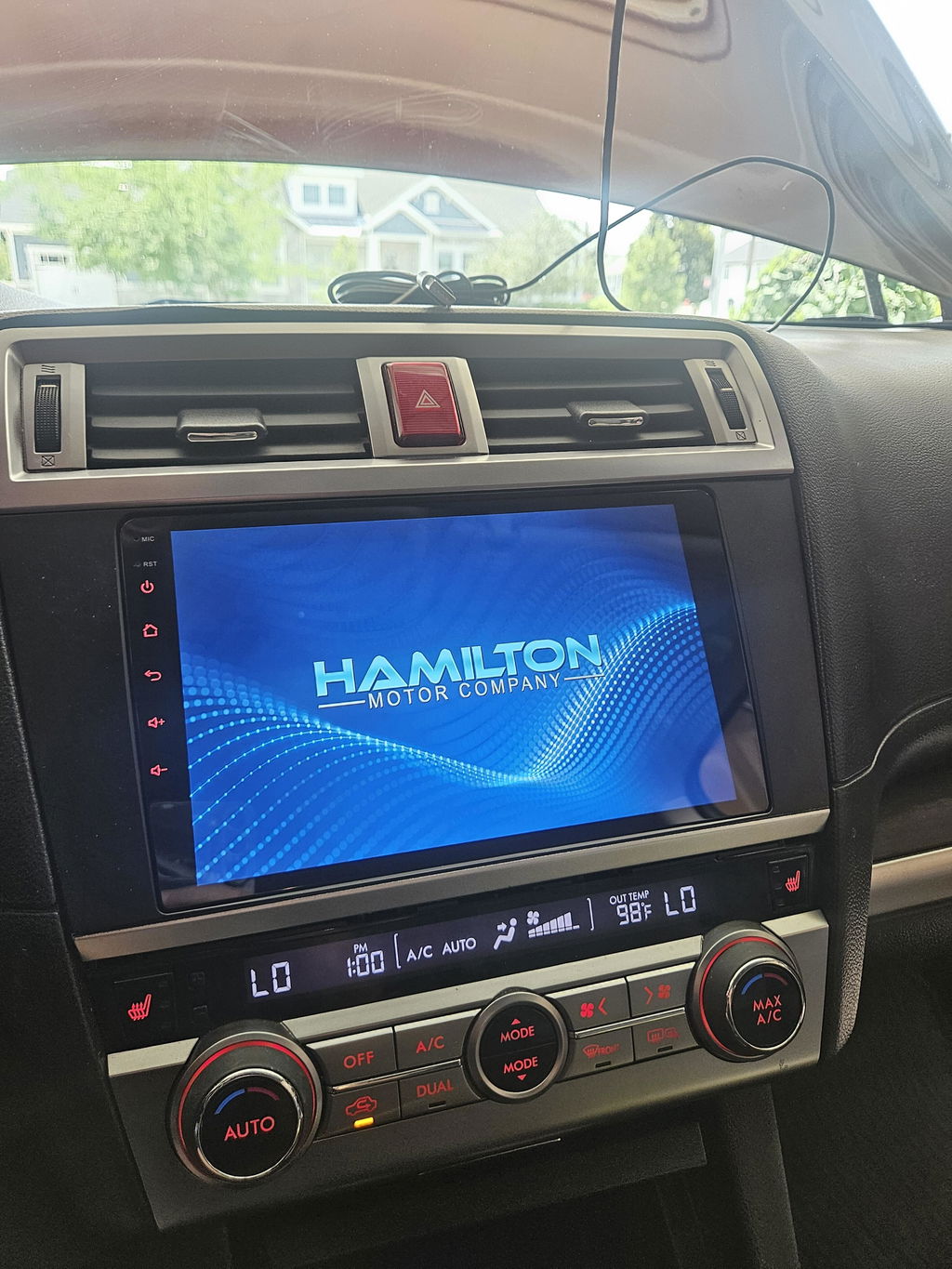
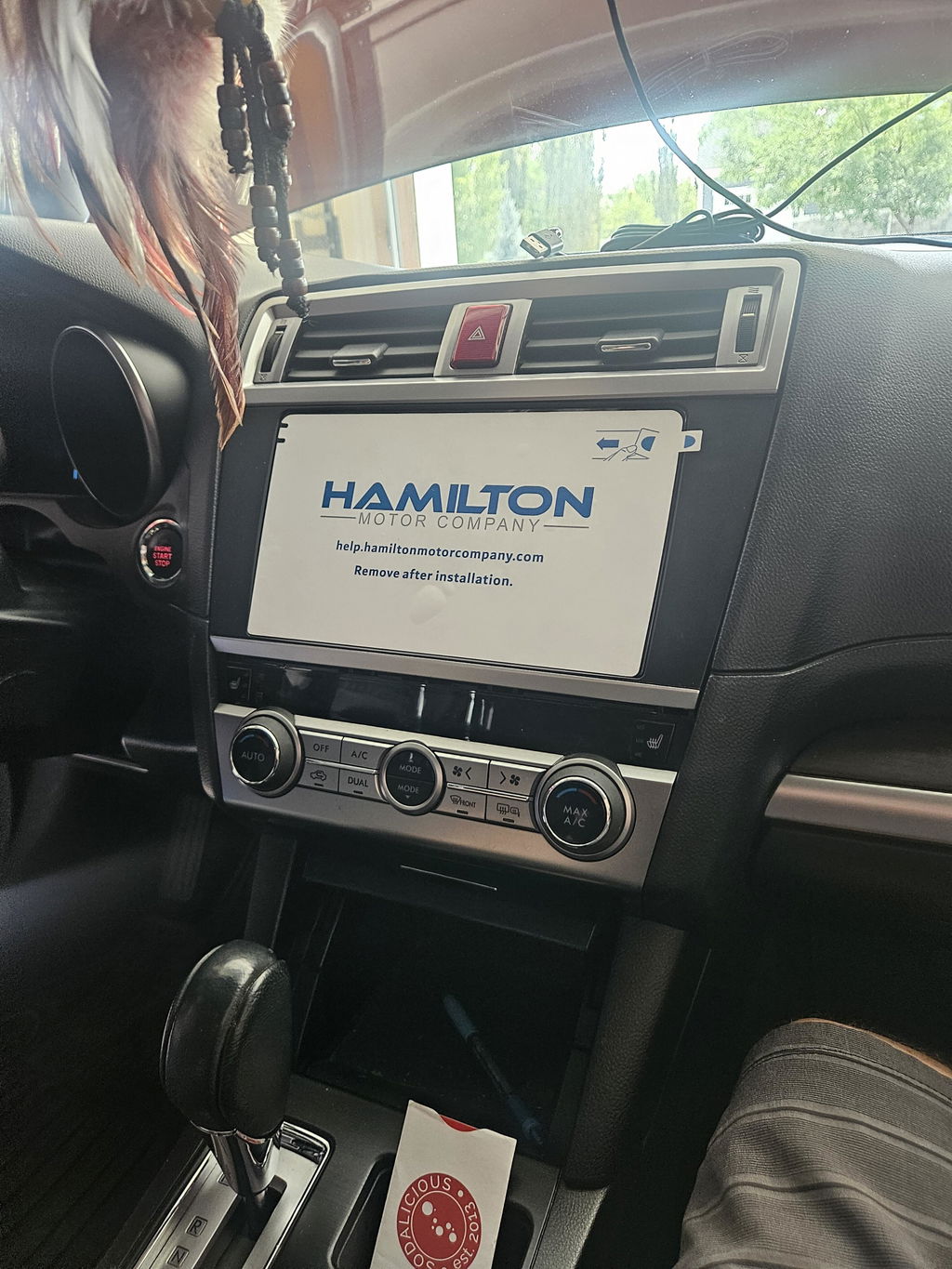
Extremely straight forward setup process. Read instructions and watch the video. It’s all there step by step for an easy installation.
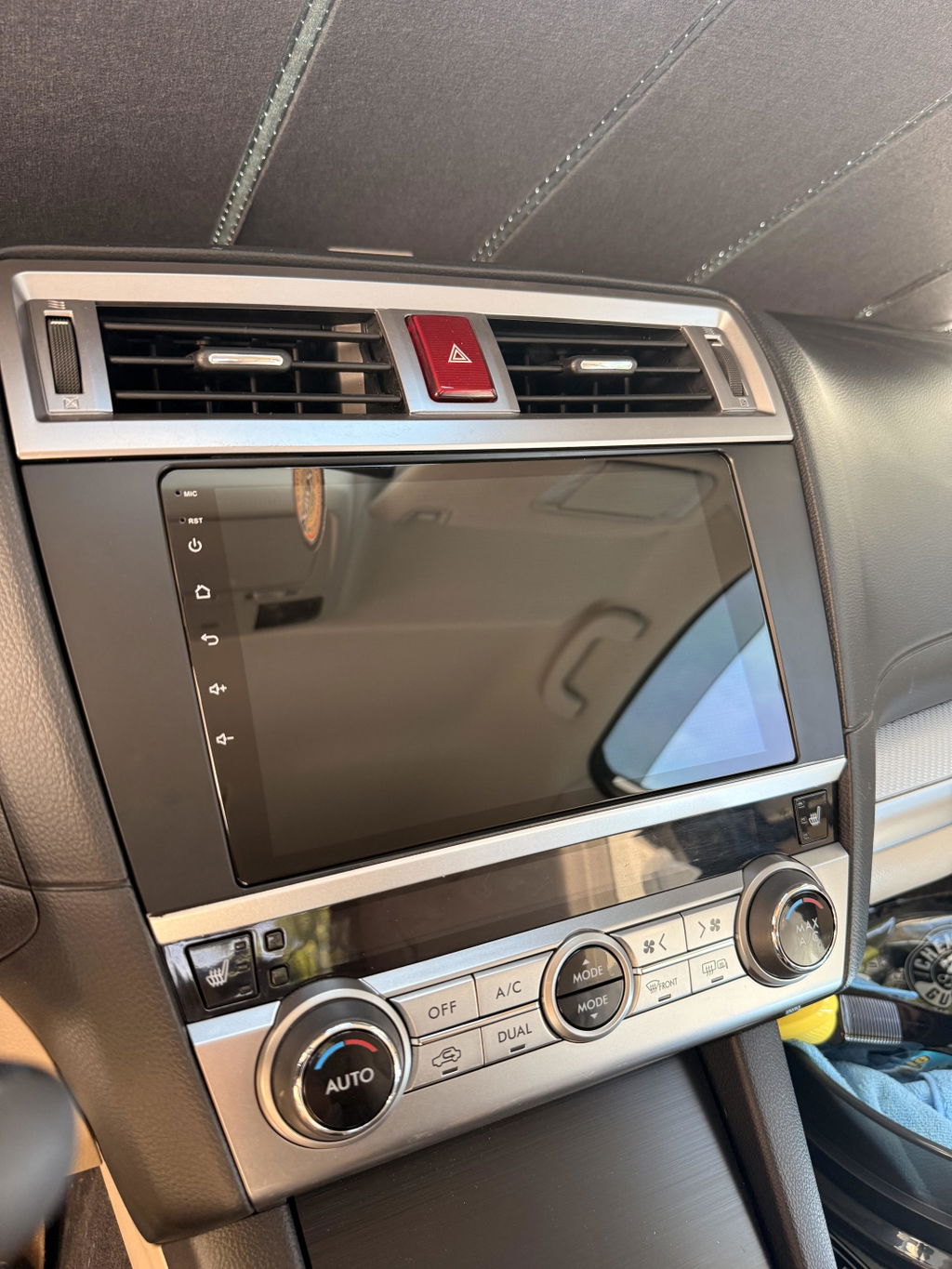
It's a cool device with some MAJOR drawbacks.
Good: screen, performance, microphones, aesthetics, install effort, Wi-Fi and Bluetooth connections, integration with car equipment, good quality components, etc
My problems:
There needs to be a manual for this. Some functions are changeable with no clear explanation as to what they do or if they might do something irreversible or confusing. I.e. I don't know what the effect of "additional reverse config" vs" original vehicle radar". I would have assumed my vehicle is already using the original radar? The settings guide apparently needs a pin number to access. If that even does anything.
You can't customize the home screen from what I can tell. There are many things irrelevant to me and I would like to reprioritize them vs others. Also, although the description photos show it, it doesn't appear to do Android Auto full screen and resorts to splitting the display in half for apps, so I am always viewing the map + another app. Additionally, the task bar option does not work. I have the option in android auto on my phone and when enabled nothing happens.
Next, the sensitivity of the swipe gestures needs work and some way to disable app/touchscreen actions when doing so. It's very inconsistent with the 2 finger volume up and down function and often cause the app or menu to scroll while performing the gesture. This can resort in skipping songs or the gps map moving while doing the gesture, among other things just happening on the screen. I turned on the assistive touch as an alternative to make it work, and while it's handy it shouldn't be the solution.
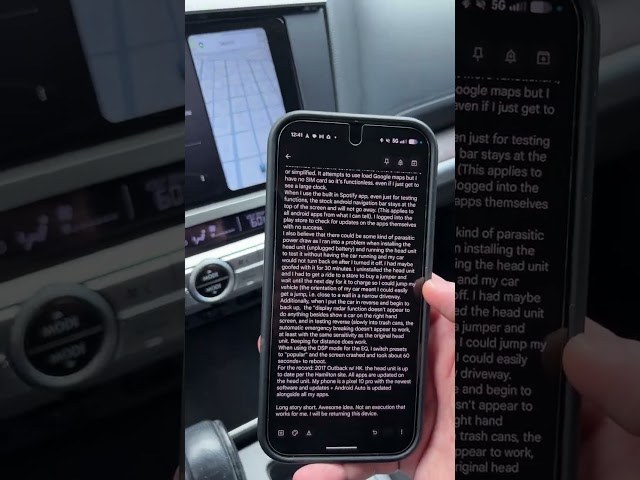
On the primary home screen, there ought to be a way to customize that home screen to make it more functional l, or simplified. It attempts to use load Google maps but I have no SIM card so it's functionless. even if I just get to see a large clock.
When I use the built in Spotify app, even just for testing functions, the stock android navigation bar stays at the top of the screen and will not go away. (This applies to all android apps from what I can tell). I logged into the play store to check for updates on the apps themselves with no success.
I also believe that there could be some kind of parasitic power draw as I ran into a problem when installing the head unit (unplugged battery) and running the head unit to test it without having the car running and my car would not turn back on after I turned it off. I had maybe goofed with it for 30 minutes. I uninstalled the head unit and I had to get a ride to a store to buy a jumper and wait until the next day for it to charge so I could jump my vehicle (the orientation of my car meant I could easily get a jump, i.e. close to a wall in a narrow driveway.
Additionally, when I put the car in reverse and begin to back up, the "display radar function doesn't appear to do anything besides show a car on the right hand screen, and in testing reverse (slowly into trash cans, the automatic emergency breaking doesn't appear to work, at least with the same sensitivity as the original head unit. Beeping for distance does work.
When using the DSP mode for the EQ, I switch presets to "popular" and the screen crashed and took about 60 seconds+ to reboot.
For the record: 2017 Outback w/ HK. the head unit is up to date per the Hamilton site. All apps are updated on the head unit. My phone is a pixel 10 pro with the newest software and updates + Android Auto is updated alongside all my apps.
Long story short. Awesome idea. Not an execution that works for me. I will be returning this device.
Thanks for your detailed feedback. We are glad you were able to find a Hamilton product that suits your needs with our Upgrade Kit. We appreciate your business and support. -Hamilton Team
Great product! The installation was as easy as the tutorial video showed. I got great and fast customer service before I placed my order and I’m super happy with the purchase!
I replaced the original cab unit in my '15 Outback because of an increasingly annoying phantom touchscreen issue. Everything is great so far, though I'm still getting used to it.
Amazing quality and YouTube vid for install. Love it!
Wonderfull experience with Hamilton. I could not be more happy with my purchase. There youtube instructional videos were great on explaining there product, and helping me fully install the new unit into my car. Five starts all the way around...
Installation was easy!
Bluetooth connection with iPhone could be faster.
I have had to re-sync my phone twice now.
Otherwise, all good!
Thanks
Great product
Great product and easy to install.
The replacement radio is great. The screen is very clear. The install was easy and I had a few questions and they were answered quickly.
Love the replacement radio! Install only took about 45 minutes start to finish and it works great.
Extremely well-made and relatively straightforward to install, even for people who don't typically work on their own cars. It took me maybe 1.5 hours total.
My conversion kit came with a flyer that mentioned needing to transfer the telematics module from the OEM head unit to the Hamilton unit—this isn't mentioned in the installation video, so I missed it the first time around and experienced a few connectivity issues. After transferring the telematics module over to the Hamilton, everything worked perfectly! Looking forward to seeing more Hamilton products (and very curious to see what the HDMI port on the back of the conversion kit will be used for)!
This was my first DIY Apple CarPlay upgrade to my 2017 Subaru Legacy Limited, and Hamilton Motor Company made it extremely easy. From the very detailed instruction video to the included paper manuals, installation was a breeze. Special shoutout to the company for also including a reminder to reconnect the telematics module that wasn't present in the video. Definitely worth the money and the upgrade! I would suggest including schematics to the telematics module in case people forget which cables to reconnect. 10/10
The unit is good but the video needs to include the removal and transfer of a component from the oem head unit.
Easy installation and great radio
The Hamilton Conversion Kit makes installation easy for just about anyone. The instruction videos are complete and easy to follow. The technology works just as you would expect and the Hamilton amplifier performs better than the OEM amplifier, in my opinion!
I recently purchased a 2017 outback. The radio was not operational so I purchased a Hamilton conversion kit. The installation was well covered on a Youtube video. I had a few questions and the customer service tech was immediately available, skilled and friendly. The unit is as advertised. I am delighted with my purchase.
A+ company
The OEM infotainment screen was deteriorating quickly in my 2015 Subaru Legacy. And while I was told that I could replace the touchscreen, it's extremely difficult to find OEM or aftermarket for anything prior to 2018. A Gemini search, led to Crutchfield, which also brought up Hamilton Motor Company. Searches there brought up the Outback Conversion Kit, which very much matched the Legacy's console. Features and installation videos were available, that really made me feel comfortable that I could DIY the kit. So I ordered the kit, and once it was delivered, was waiting for the perfect day to install.........
Nope, my weekend was going to be busy enough with traveling, that I decided to do the installation soon after I got off my third shift job. By replaying the video during the install, it kept me pretty much on track. I did have to dash out to purchase a interior trim prybar, but it really helped to not scuff the parts.
A few differences between the videos and the wiring harness that I was sent, that actually worked making things easier.
After a couple hours, the unit was installed and paired with my phone. While I lost the CD player, I may have some questions for Hamilton's support line. But everything is working wonderfully with my apps and having a map readily available is appreciated.
I'm still in the learning phase, but I'm satisfied.
Just had the unit installed today. Initially, the tech said my Harmon Kardon amp may be bad since I only had sound on the right side. Found the balance settings and balanced. Apparently the amp holds settings from the original head unit, which was not working properly and locked up.
First impression: Awesome. Screen is amazing. Lots of settings. AM/FM radio. Original microphone works, original usb works. Backup cam is the same. Android Auto. Every time I've contacted Hamilton, I spoke to a real person, and they called back promptly if they were busy. Loving it so far.
Awesome product. The install was simple with the video instructions and only took about 30 min with a couple of screw drivers.
Fairly easy to install if you have basic tech know how, the install video is very detailed and helpful. Looks and works great! exceeded my expectations and I feel confident that if any issues come, the 3 year warranty will cover it. worth every penny.
I absolutly love this new system. I installed a mint mobile sim card and now my in car infotainment is next level great.