


In stock and ships same-day from Raleigh, NC if order is placed before 2:00 p.m. ET.
Revamp your 2014-2017 Acura MDX with CarPlay and Android Auto functionality.
Our 2014-2017 Acura MDX Hamilton Upgrade Kit for CarPlay and Android Auto fits right behind your factory radio and makes your vehicle seem like it was bought today.
- Gives your original Acura MDX screen wireless and wired CarPlay and Android Auto capabilities
- You still have access to the OEM XM, FM, and AM radio, along with the original CD player.
- Rear entertainment systems are not impacted by this kit
- Retains factory rotary knob functionality
- Retains Premium/ELS Studio Audio Systems (if equipped)
- Preserves original backup camera and Surround/360° View Camera System (if equipped)
- Preserves original safety features like blind spot monitoring, collision warning, etc.
- Long-hold the back button on your center panel to access your vehicle's original interface at any moment or long-hold voice speech button on steering wheel
Our kit allows you to switch between CarPlay/Android Auto and the original Acura OS by simply long-holding the back button found on your center panel or the voice speech button on steering steering wheel.
Our team of engineers has carefully designed this kit to integrate right into your factory technology and does not impact vehicle functionality when not being used.
- Designed to preserve original audio quality
- No impact on call quality, as the kit uses your factory microphone
- Engineered for DIY installation
This kit is thoughtfully designed for DIY installers.
While you can also take it to most radio shops, we have a thorough step-by-step installation video to help our DIY folks. Additionally, we have a top-notch tech support team based in Raleigh, NC ready to help.
Backed by an unmatched 3-year limited warranty: "The Hamilton Guarantee." Supported by first-class technical support.
- We back all of our products with a top-of-the-line 3-year limited warranty called the Hamilton Guarantee.
- Checkout our Terms of Service for full Warranty policy and details.
- Our friendly and knowledgeable support team is eager to help at (919) 858-2890 anytime M-F 9a-6p and Saturdays 10a-3p.
- The Hamilton Help Center is packed with helpful information on getting started with your kit.
- Designed by our engineering team in Raleigh, NC and made with only industry-leading components
- We have dedicated software and firmware engineers constantly ensuring our devices are maintained for future updates.
Compatible Vehicles
Loading compatible vehicles…
| Components | Details |
|---|---|
| Operating System | HamiltonOS-25 |
| CPU |
ARM Cortex‑A7 CPU with N13 Co‑Processor with DDR3 RAM |
| Audio | DSP multi-channel I/O, I2S, ADC |
| Audio Routing | Uses Factory OEM Head Unit. No changes to audio quality |
| Video Decoder | MPEG‑1/2, MPEG4‑SP, full‑HD H.264 (1080p). Exceeds Acura OEM Screen |
| Temperature Rating | AEC‑Q100 Grade 3 (-40c to +85c) |
| Heat Sink |
High Dissipation Hamilton Designed |
| Circuit Board (PCB) Technology | Designed in NC. HDI Technology. Gold Plated for durability and performance. |
| Apple CarPlay | Wireless and Wired Compatibility |
| Android Auto | Wireless and Wired Compatibility |
| Microphone | Vehicle OEM |
| Important Notes |
CarPlay navigation voice volume plays when streaming music/content from phone. CarPlay nav voice volume cannot mix into factory radio channels (XM, FM, AM, CD). |
| Other Notes | Hamilton Upgrade Kit uses your AUX input for CarPlay/Android Auto audio playback, meaning AUX cannot be used for 3rd party MP3 players or DACs. AUX port may not be used for other audio devices after installing. Factory FM, XM, and AM radio can be used with CarPlay/Android Auto on display but Siri/navigation cannot speak while using factory radio channels. Optional rear entertainment packages can continue to use headphones but the car speakers will not have access to the AUX channel for rear entertainment. |

CarPlay Overview and Setup
Unit arrived on time and has worked as described. Installation took a bit longer due to some unknowns.
To help future installers:
1) First step is to disconnect the negative of the battery. Need a few extra minutes for that. For some reason, the MDX install video does not mention that.
2) Getting those bolts out from underneath the factory unit requires some faith. You are always afraid of damaging the unit (especially the plastic part) while pulling it out. See picture.
3) The Hazard light’s connector latch is on the left side, and not on top like other connectors. See picture.
4) The white-colored lock on the power connector was not easy to flip while disconnecting.
5) The antenna sits nicely into a slot on either side of the lower section underneath the factory radio unit where the Hamilton unit goes.
6) Most importantly, you will need Radio/GPS units’ codes when you reconnect the battery if the two-second trick using the power button does not work. Can not use any function to connect phone or try Hamilton unit before that.
Happy with overall purchase as that was one thing missing. And the car does not need any phone holder with power.
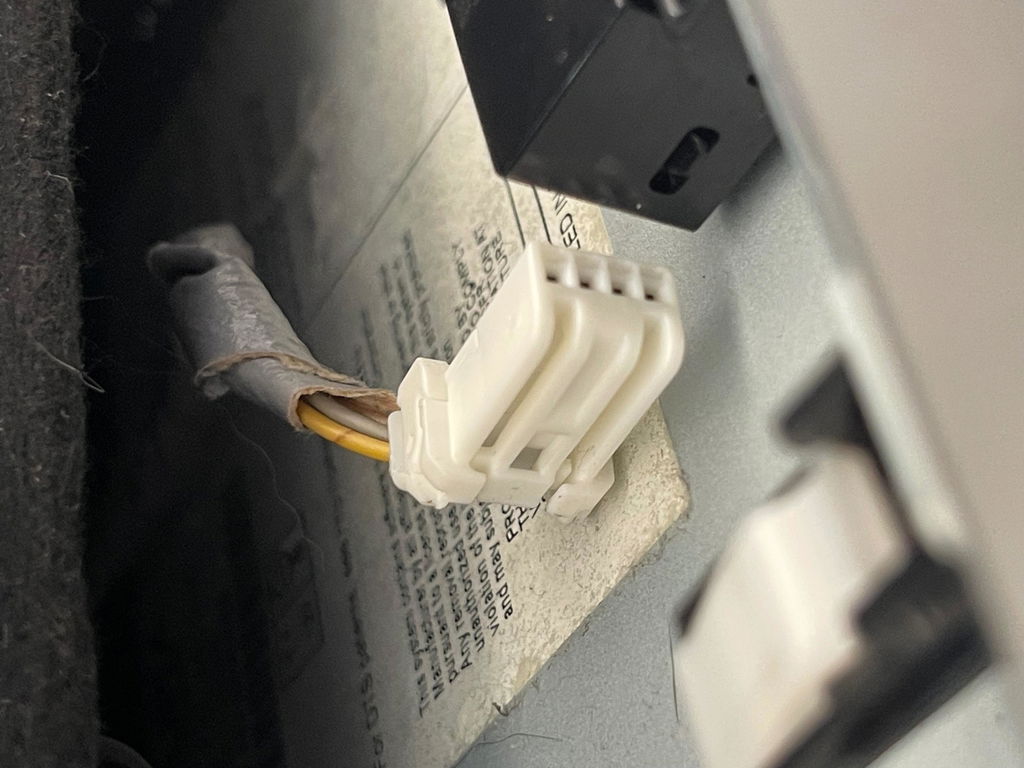
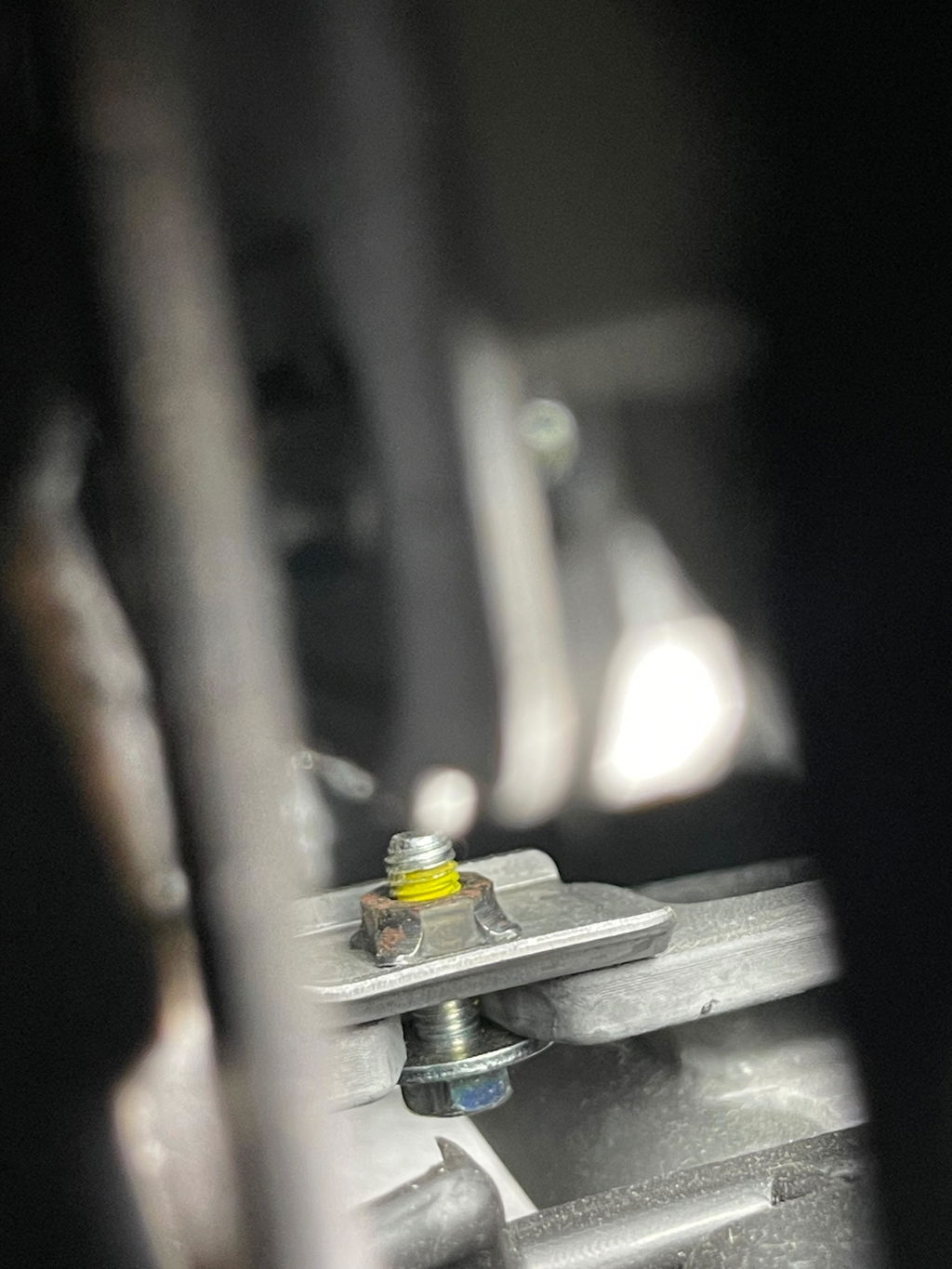
Unit worked as described. Installation took a bit longer due to some unknowns. To help future installers:
1) First step is to disconnect negative of the battery. Need a few minutes for that. MDX install video does not mention that.
2) Getting those bolts out from underneath the factory unit requires some faith. You are always afraid of damaging the unit while pulling it out.
3) The Hazard light’s connector latch is on the left side, and not on top like other connectors.
4) The white-colored lock on the power connector is not easy to flip while disconnecting.
5) The antenna sits nicely into a slot on either side of the lower part underneath the factory radio unit.
6) Most importantly, you will need Radio/GPS units’ codes if the two-second trick using the power button does not work. Can not use any function to connect phone or try Hamilton unit without that.
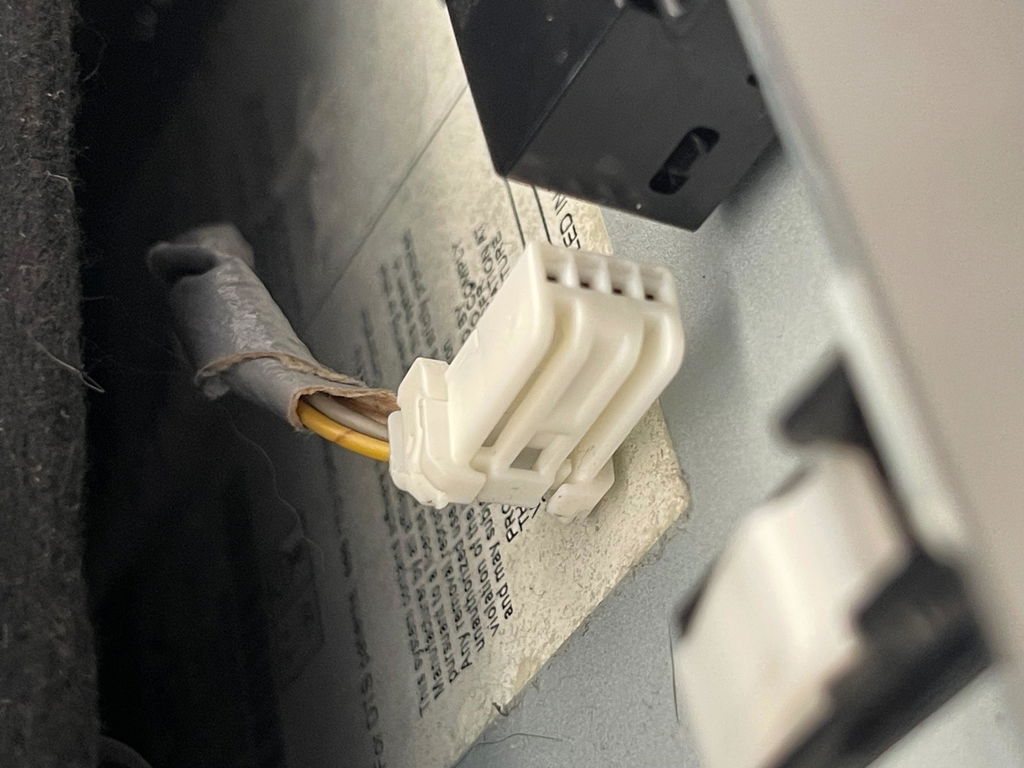
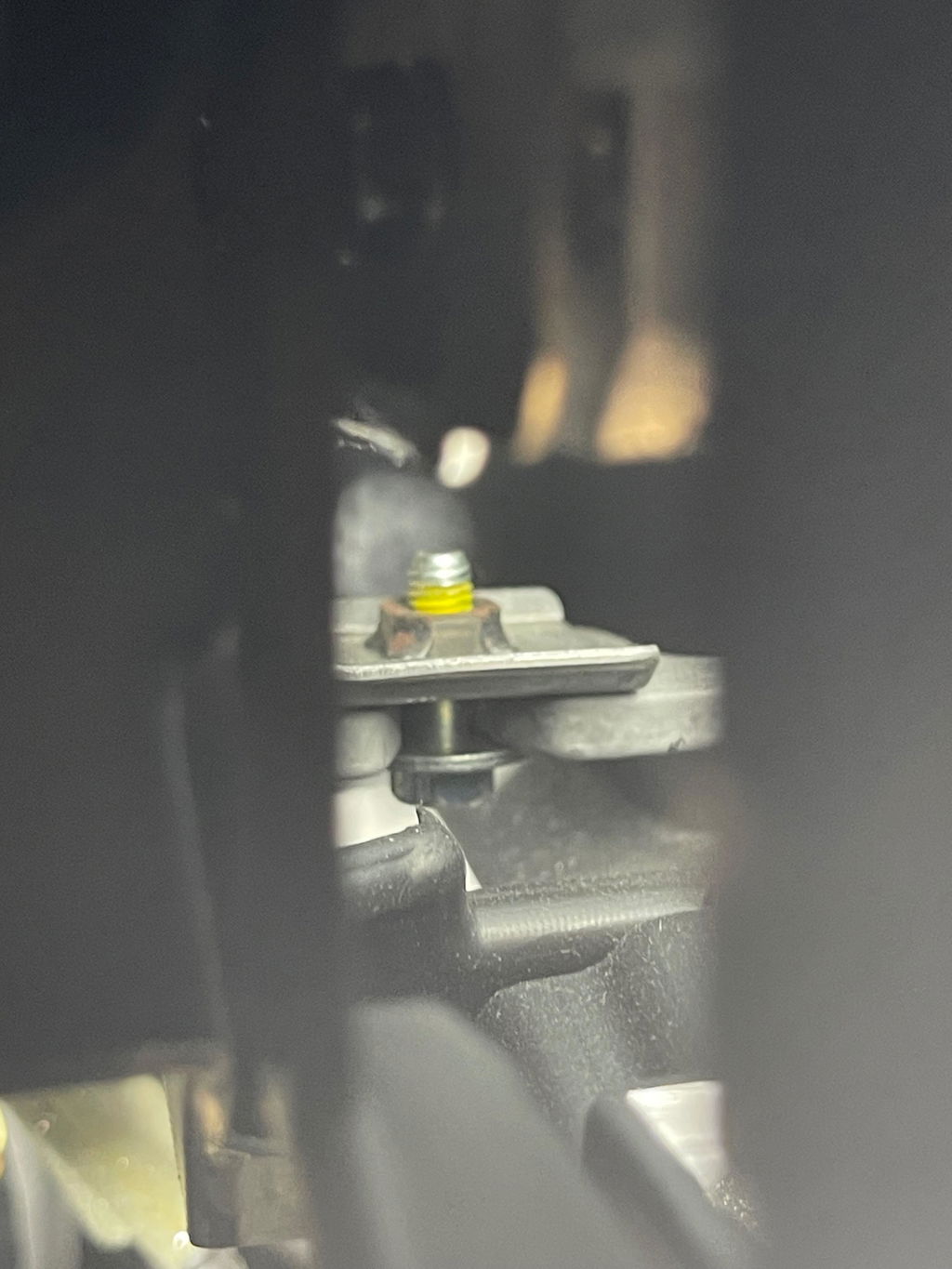
Relatively easy to install if you follow the video instructions. Set up can be a little quirky, but the technical support team will help you through it.
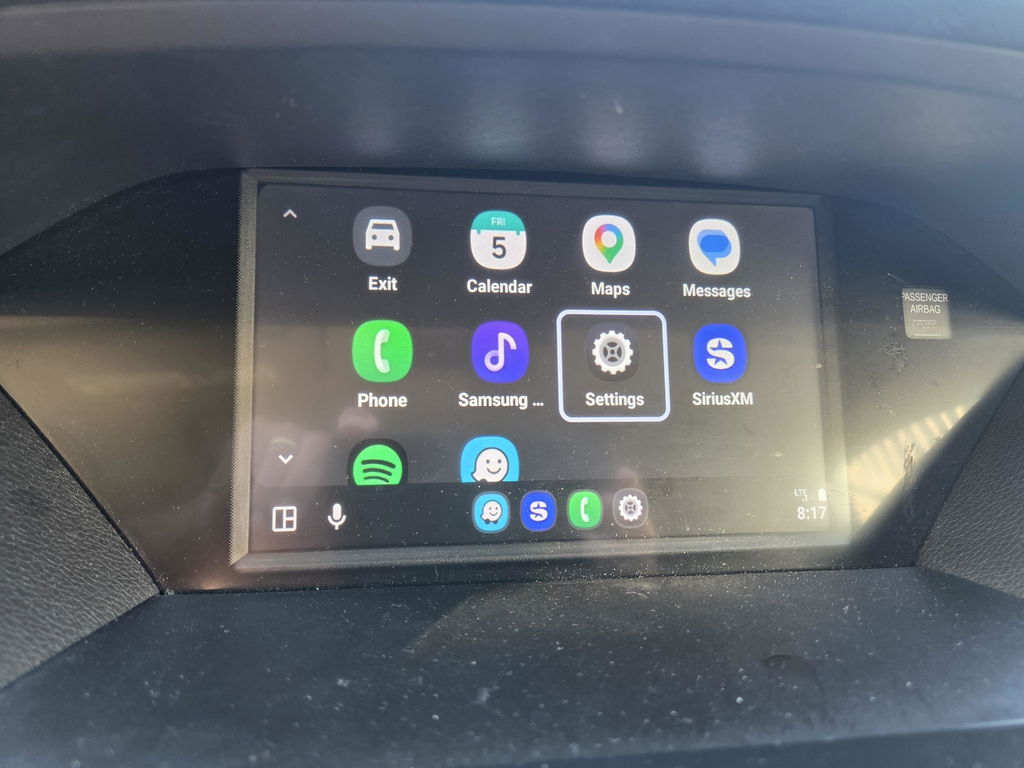
This is an outstanding product! We love our 2015 Acura MDX, but missed CarPlay features in newer vehicles. This product updates the current system as if it came included from the factory. Super simple to install following the video instructions. This is a really high-quality product and we are so happy with it.
Great production!!!!
It worked as described.
Installation was a breeze with the cables provided. No issues at all.
I am super satisfied. Thank you!!!
Very helpful installation video and final pairing video. Less than an hour of work. CarPlay functioned exactly as intended -- Google Maps, Waze, Spotify, etc. No loss of function to backup camera and no degradation to car's audio.
Kit and Function are great, but installation was a horror
Absolutely amazing tech! Just as if it were from the factory.
It arrived in 2 days. I followed the step by step video and finished the install in about an hour—fairly straightforward. I had a few questions about the yellow video cable—but it didn’t apply to my tech version. It fired up perfectly and configured easily on my phone and my wife’s. The integration of the original and the car play interface was smart. Very happy since it modernized the interface—much easier navigation. Cheaper than the replacing the entire head on my pioneer unit for the Odyssey.
Works well, installed in about 90 minutes.
Biggest issue was the small space with my big hangs. Getting the wiring to stay to the side of the bracket was not as simple as video made it seem.
Very good. Easy to DYI install on my 2016 Acura MDX. Though the instructions did not cover models like mine that had a rear DVD player, which occupied space where the installation was supposed to be, making it impossible to 1) remove the radio, which is necessary to connect the Hamilton wire harnesses, and 2) install the Hamilton unit. Eventually, I was able to work through these issues by removing the DVD player, but it would be great if Hamilton could provide an installation instruction that allows me to keep the DVD in place and still have the Hamilton unit.